Terraform Troubleshooting Tips for Associate 004
Learn how to troubleshoot Terraform more effectively by understanding validation, state, drift, logging, and the common mistakes behind broken runs.
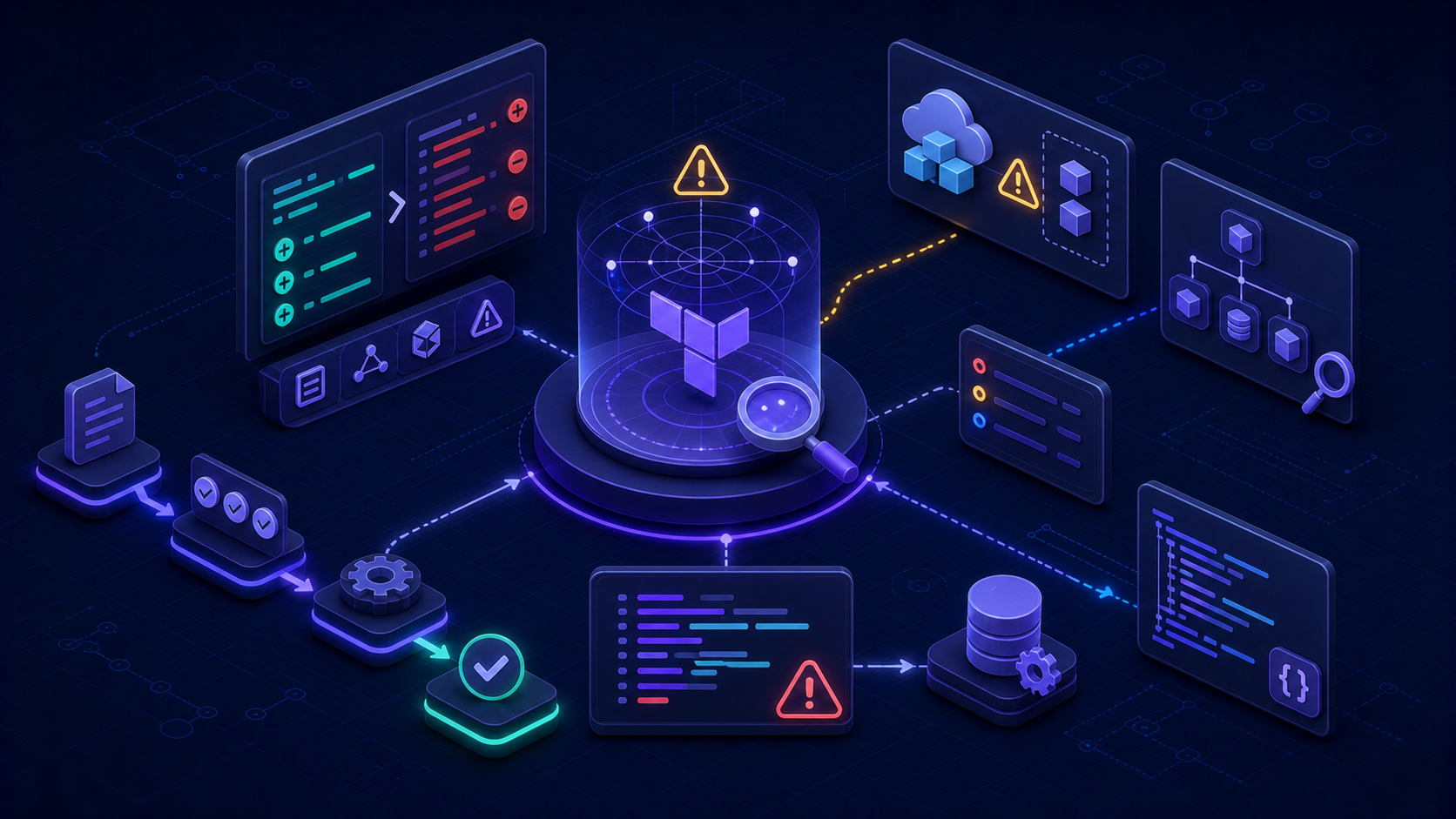
Terraform troubleshooting is where theoretical knowledge gets tested most honestly. It is easy to feel comfortable with Terraform when examples work cleanly. It is harder when a plan is unexpected, a variable is wrong, state does not line up with reality, or a run behaves differently than you expected. That is exactly why troubleshooting belongs in exam prep as well as real-world practice.
The Associate 004 objectives include maintenance topics such as importing existing infrastructure, using logging, and understanding state-related behavior. Those ideas matter because Terraform is not just a provisioning tool. It is also a tool you have to diagnose when something goes wrong.
Start with the simplest checks first
Good troubleshooting usually starts with the boring questions:
- Is the configuration valid?
- Did the working directory initialize correctly?
- Did the input values mean what you thought they meant?
- Is state aligned with reality?
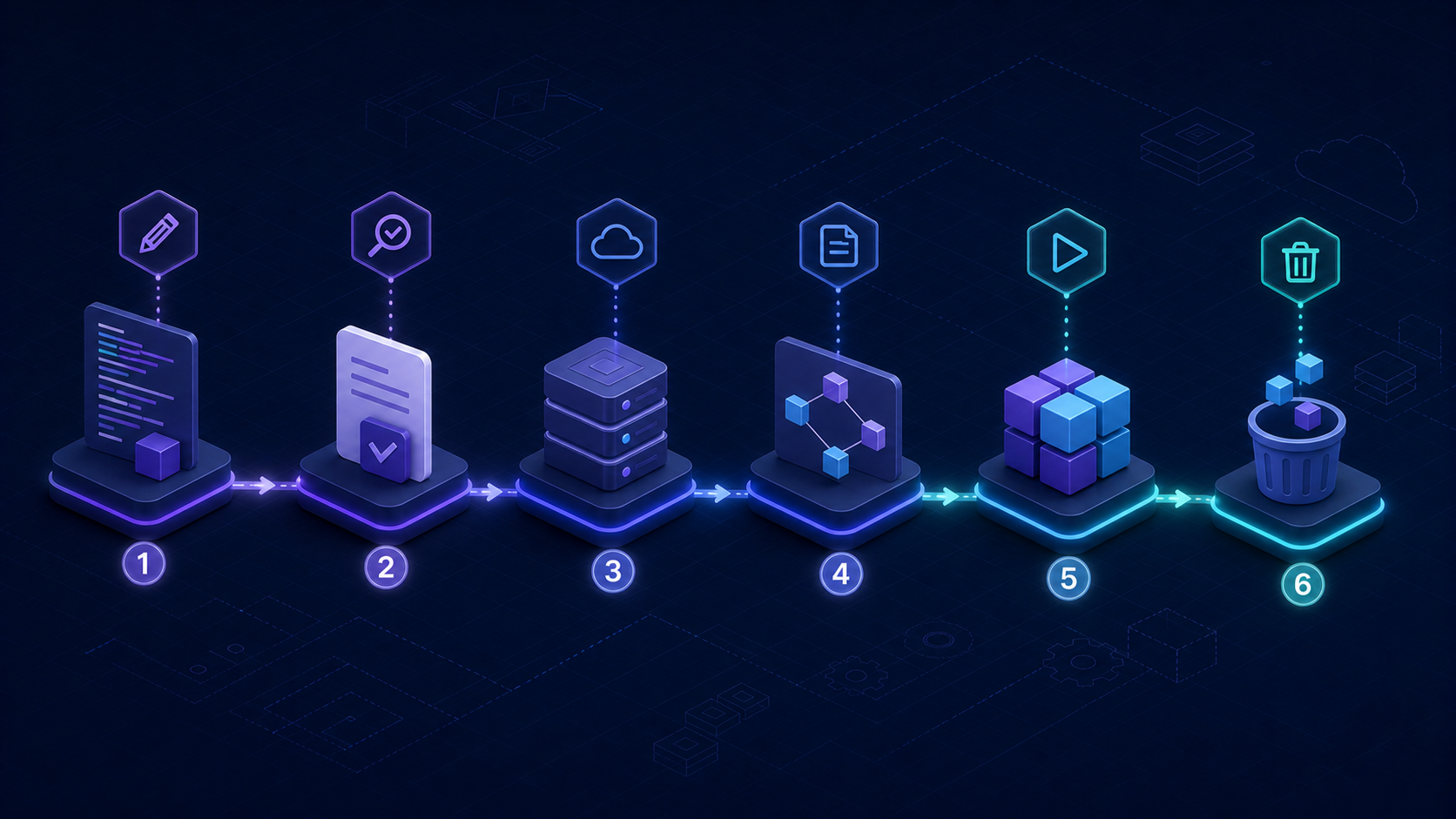
That is one reason the core workflow matters so much. A lot of Terraform problems become easier when you understand exactly where init, validate, and plan fit into diagnosis.
Unexpected plans often point to drift or input issues
If Terraform plans something surprising, the cause is often not mysterious. A value may have changed, a manual infrastructure modification may have introduced drift, or the state may no longer represent reality accurately. That is why state management is so central to troubleshooting.
Before assuming Terraform is wrong, ask whether the configuration, the inputs, and the current infrastructure still agree with each other.
Validation catches a lot of avoidable pain
Many troubleshooting problems begin earlier than the failing run. They begin when a configuration is loosely defined, inputs are poorly constrained, or formatting and validation checks are skipped. Terraform gives teams tools to reduce that pain, but they only help if people use them consistently.
For exam purposes, it is worth remembering that validation is part of the larger discipline of safer infrastructure changes, not just a syntax check.
Provider and module version issues can create confusion
Another common source of confusion is inconsistent dependency behavior. If provider or module versions are not managed carefully, teams may see different results across machines or runs. That is why the exam cares about provider version constraints, module version management, and the dependency lock file.
If you want the deeper background here, read our modules and providers guide.
Logging matters when the obvious answer is not enough
The Associate exam expects candidates to know that Terraform logging exists and can help with diagnosis. You do not need to become a deep logging expert for the associate level, but you should know why verbose logs matter: they help expose what Terraform is doing when the surface behavior is not enough to explain the problem.
In other words, logging is part of the toolkit for situations where validation and plan review alone do not answer the question.
Import and existing infrastructure are troubleshooting topics too
Terraform often gets introduced into environments that already have infrastructure. That means troubleshooting is not always about fixing new code. Sometimes it is about understanding how Terraform should relate to resources that already exist. Import, state awareness, and careful review are part of that story.
Common Terraform mistakes to watch for
| Mistake | Why it causes trouble |
|---|---|
| Skipping validation | Lets avoidable configuration errors travel farther into the workflow |
| Ignoring plan output | Hides unexpected changes until apply time |
| Manual infrastructure edits | Creates drift between state and reality |
| Weak version control of dependencies | Makes behavior less predictable across environments |
| Poor variable discipline | Introduces incorrect or inconsistent configuration values |
How to study troubleshooting better
Do not study Terraform troubleshooting only as a list of fixes. Study it as a decision process. When something looks wrong, what would you inspect first? What part of the workflow gives you the best clue? Is this a configuration problem, a state problem, or a change-in-reality problem?
That style of thinking helps both on the exam and in real projects.
FAQ
What causes unexpected Terraform plans?
Common causes include drift, incorrect input values, state mismatches, or misunderstandings about what the configuration declares.
Why is state important for troubleshooting?
State helps Terraform understand what it manages and how current infrastructure compares with declared configuration, which is critical when diagnosing unexpected behavior.
Does Terraform logging matter for Associate 004?
Yes. The exam expects you to understand that verbose logging can help diagnose issues when simpler checks do not fully explain the problem.
Bottom line
Troubleshooting gets easier when you stop treating Terraform runs as black boxes. Understand the workflow, respect plan output, manage state carefully, and use logging when needed.
If you want study material that makes these judgment calls feel more natural, use the Terraform Associate practice tests. They are useful because they make you diagnose realistic Terraform situations quickly, which is much closer to the way troubleshooting knowledge is actually used.